Dine-In Management
Dine-in table management system
- Downloads
- 10
- Latest version
- v1.2.5
- Supported version
- v4.x
Dine-In Management
Package: avisaas/ti-ext-dinein
Compatibility/Notes: Will not work without the Require POS (Core). Can be added alongside Takeaway, Delivery Management, Dine‑in and/or Waiter.
Bundle & FTP Install: https://github.com/avisaas/avisaas-pos-bundle
Screenshots
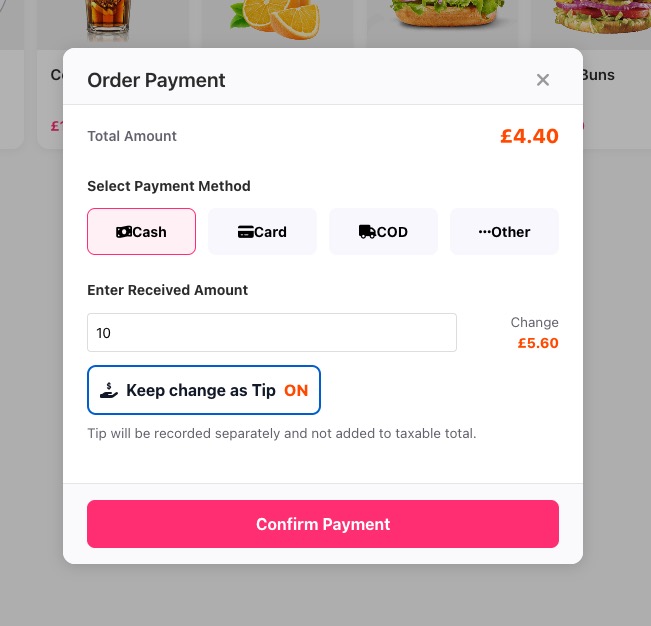
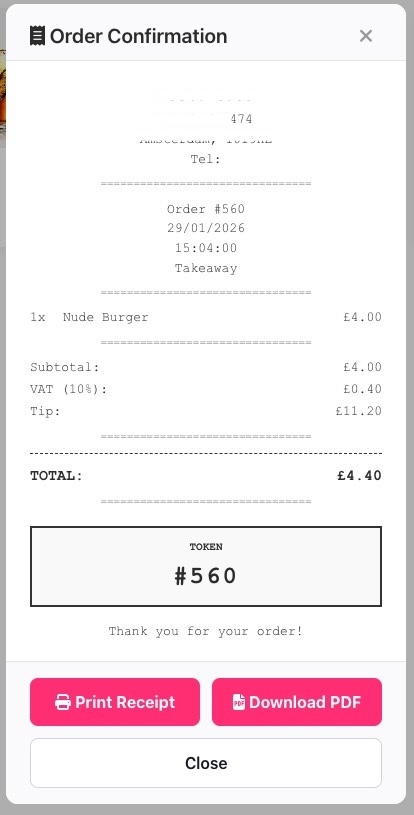
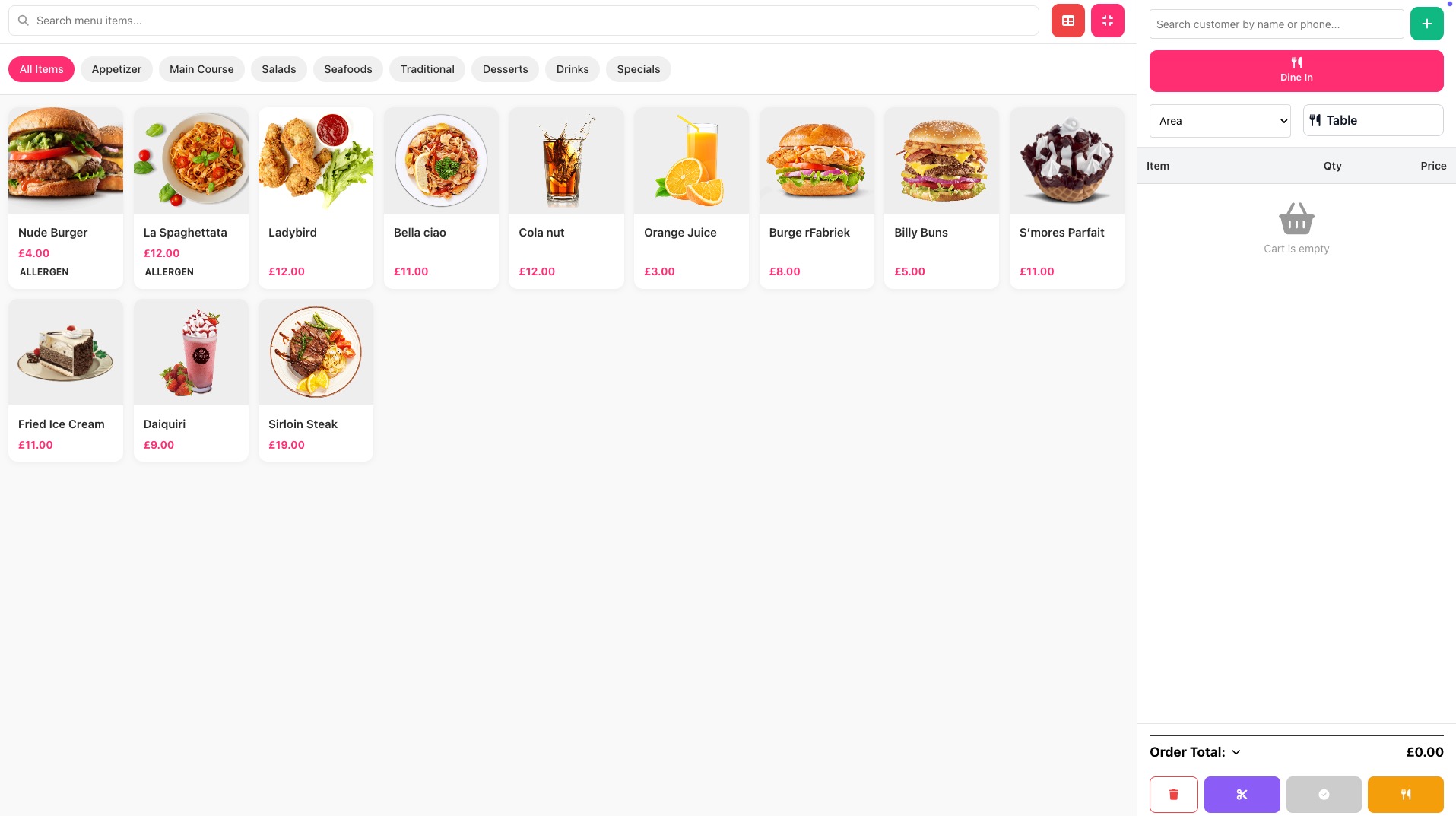
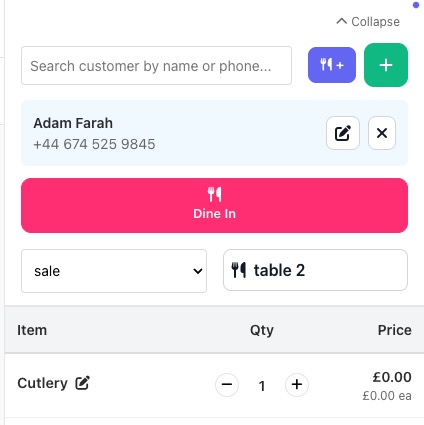
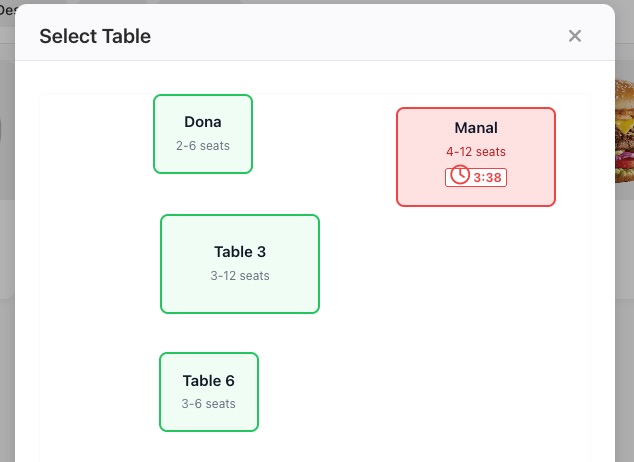
Public screenshots
Public versions are available at: https://github.com/avisaas/extension-screenshots/tree/main/dinein
Raw images: https://raw.githubusercontent.com/avisaas/extension-screenshots/main/dinein/
Installation
Install AviSaaS POS first, then:
Option A: Composer (recommended)
- Add the repository to your application's
composer.jsonif it is not on Packagist:
"repositories": [
  { "type": "vcs", "url": "https://github.com/avisaas/avisaas-pos-bundle.git" }
]
- From your TastyIgniter root:
composer require avisaas/ti-ext-dinein
- In the Admin panel, go to System > Extensions and install/enable "Dine-In Management".
- Run migrations:
php artisan igniter:up
- Clear caches:
php artisan cache:clear
php artisan config:clear
php artisan view:clear
Option B: Manual install (SSH)
- Copy this folder to
extensions/avisaas/dineinin your TastyIgniter installation. - From your app root, run migrations and clear caches using the same commands above.
Option C: FTP install (No SSH required)
Upload the full avisaas/ folder via FTP, enable this extension, then go to POS Settings → Setup tab → Run Migrations.
You'll also need
Install these extensions on your site before using this item.
More from this author
Other extensions and themes by AVi SaaS.